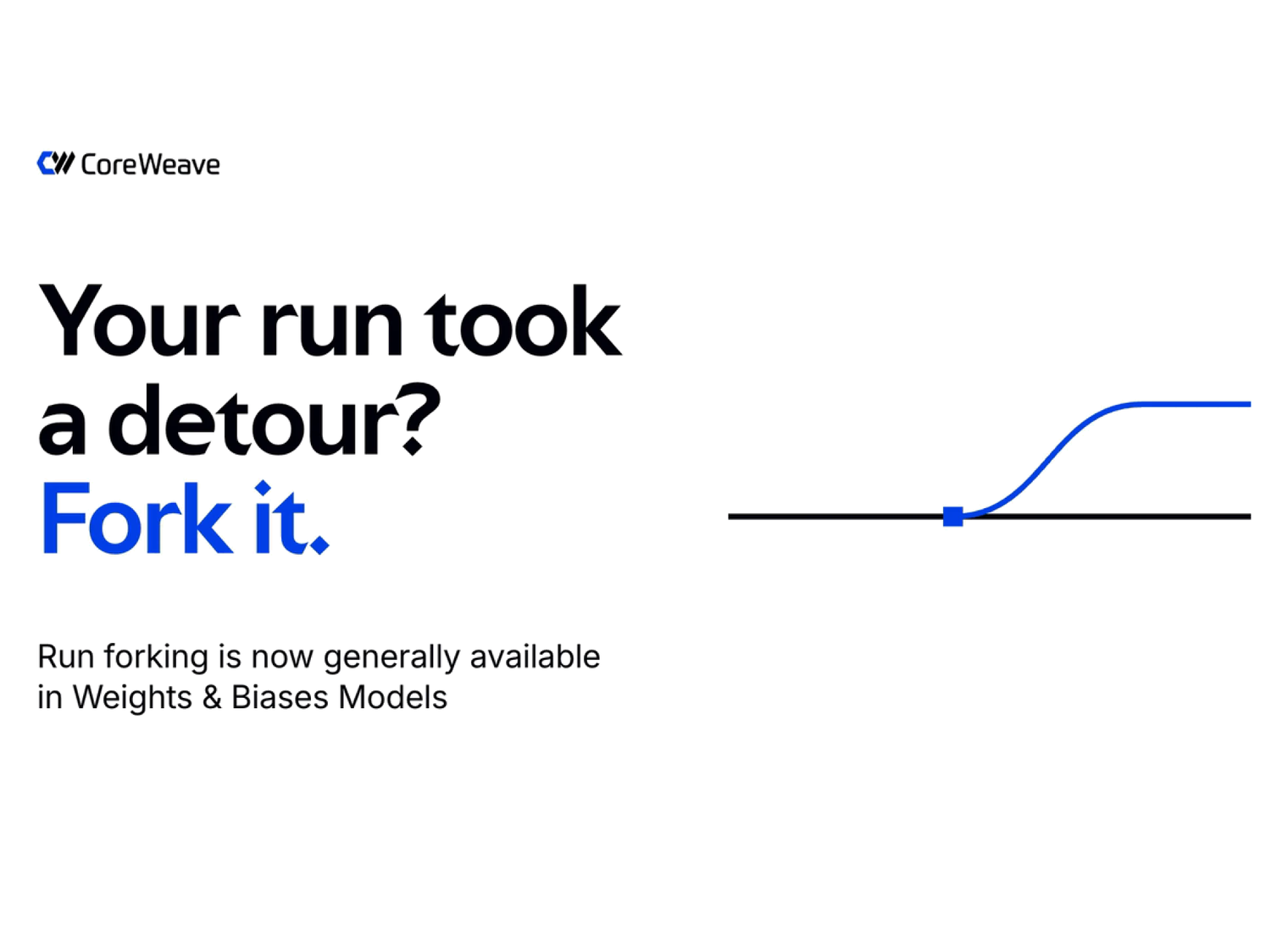
Your Training Run Took a Detour? Fork It.
Now generally available: fork a run in Weights & Biases Models
You've spent hours (or days or weeks) training a model. The loss curve looks promising, but you have an idea: what if you changed the learning rate? Tried a different optimizer? Went back to that checkpoint from 2,000 steps ago?
Starting over means redoing hours of training. Overwriting your original experiment means losing results you may want back.
Fork a run to solve this. You can branch an existing experiment from a specific step, carrying forward its metric history while keeping the original run intact. Think Git branches, but for your ML experiments. And with fewer merge conflicts.
Experiment freely. Keep your history.
When you fork a run, you can:
- Explore new ideas: Branch from a promising checkpoint and try different training strategies without losing your original results.
- Recover from interruptions: Restart from a previous checkpoint in a new run while preserving the history leading up to it.
- Compare different paths: Keep separate records of your experiments, including the history they share.
And because real training workloads don’t always behave nicely, we’ve improved support for large runs and fork chains in this release.
How to fork a run
Suppose your experiment reached step 10,000, but you'd like to try something different starting at step 6,000.
With the W&B Models SDK, you can create a fork in a few lines:
1import wandb
2
# The unique ID of the source run to fork from
3source_run_id = "<source-run-id>"
4# Specify the step to fork from
5fork_step = 6000
6
# Fork the run
7forked_run = wandb.init(
8 project="<project>",
9 entity="<entity>",
10 fork_from=f"{source_run_id}?_step={fork_step}",
11)
12
13# Continue logging your new experiment
14forked_run.log({"train/loss": 0.42})
15forked_run.finish()That's it! Your new run inherits the original metric history through step 6,000 and can continue independently.
Note: When you fork a run, W&B Models creates a new run with the original experiment’s history up to your chosen step. To continue training from that point, load the corresponding model checkpoint in your training code.

Where can I fork a run?
Fork a run in W&B Models is now generally available for paid Multi-Tenant Cloud and Dedicated Cloud customers. Support for free Multi-Tenant Cloud and customer-managed deployments coming soon For supported deployments, you can get started directly through the W&B Models SDK.
Ready to branch out?
Whether you're exploring a new hypothesis or recovering from a training interruption, you can fork a run from any step and keep both the original and its history.
No need to retrain just to recreate your logging history. No need to sacrifice the original run. Your experiments can take different paths. Your history comes along for the ride.
To get started, see how to fork a run in our documentation.